Overview
This guide explains how to set up and manage your personal and company profiles within EduTeam, ensuring your account details, branding, and organisation information are correctly configured before you begin using the platform.
Personal Profile
Your personal profile contains information specific to your user account.
Navigate to Settings > Profile
The following screen will be displayed:
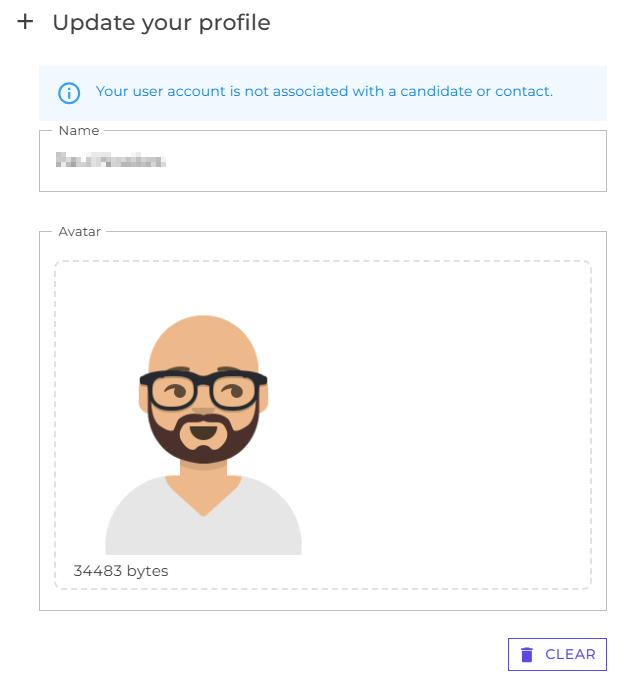
Within your profile you can update your name an upload a profile picture.
Company Profile
The Company Profile area contains the settings that define how your organisation is presented throughout the platform. This includes company contact information, branding, timesheet communications, booking confirmations, and document templates.
Navigate to Settings > Company Info
The following screen will be displayed:
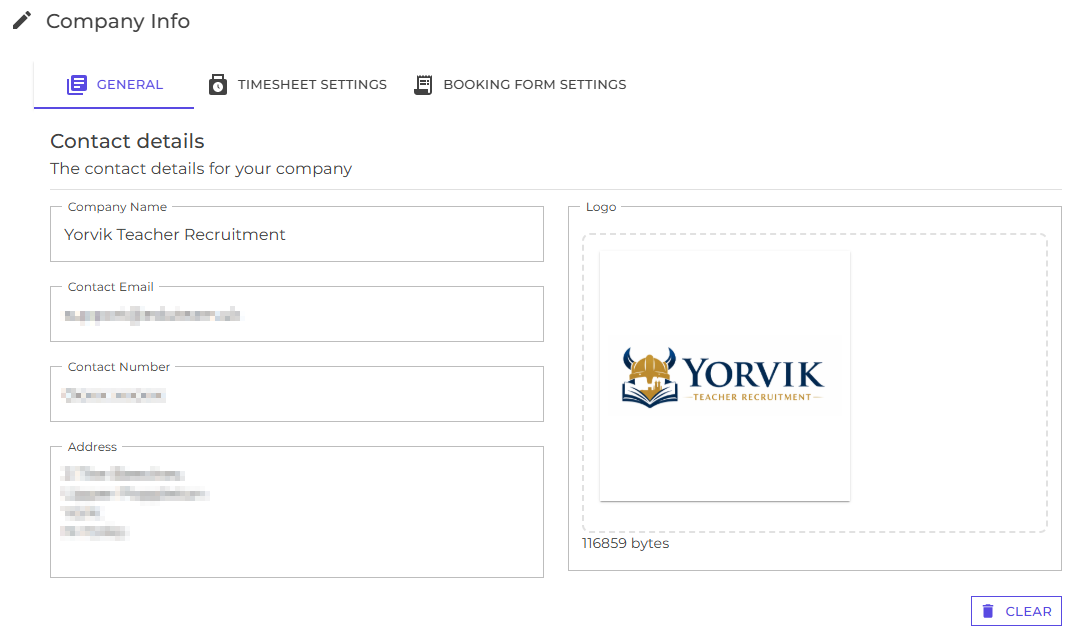
Use this page to maintain your organisation’s key information, including:
- Company name
- Registered address
- Primary contact email address
- Contact telephone number
- Company logo.
The company logo will automatically appear on generated documents, emails, and reports where applicable.
Next
Understand key concepts and how to log in to EduTeam
Learn how to add new users