Overview
As your organisation grows, you may need to grant access to additional administrators, consultants and other staff.
You must have Administrator permissions to perform this task.
Navigate to Settings > Users
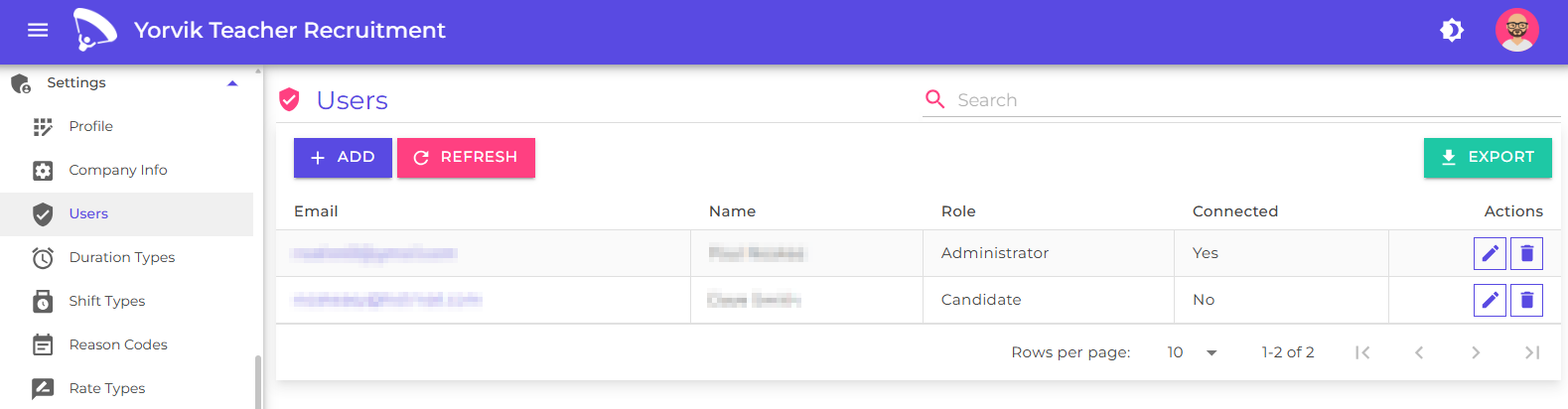
The User Management page displays all active and inactive users within your organisation.
Click the Add button
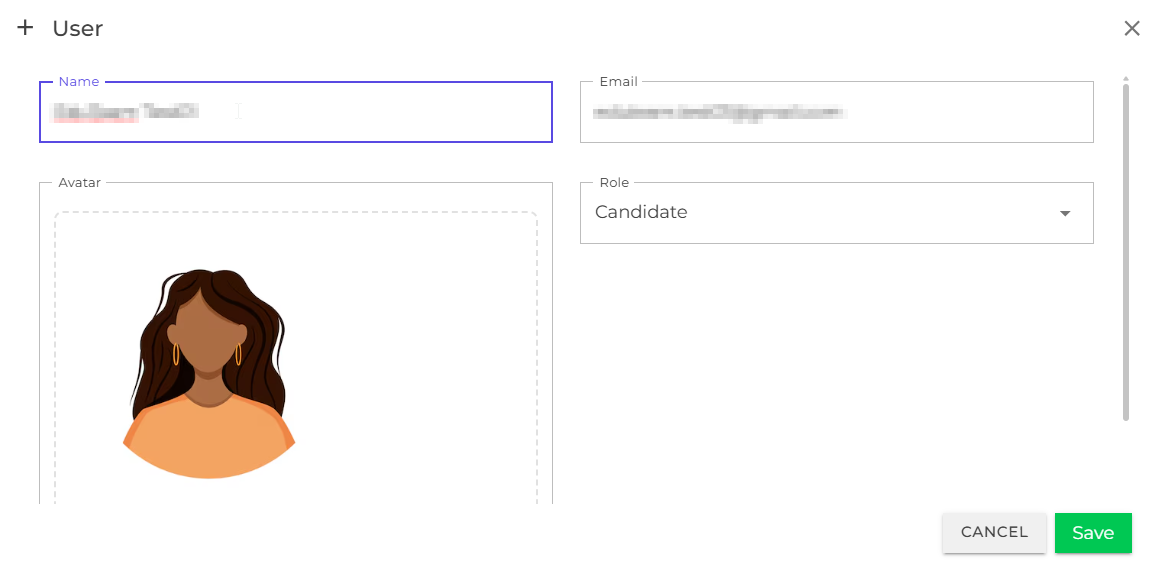
Enter the user’s details and assign the appropriate role, selecting from one of the following:
- Administrator - a recruitment consultant working within your organisation
- Candidate - a candidate (not yet fully implemented)
- Client - a representative of the client (not yet fully implemented)
The platform does not yet send the new user an email with instructions for accessing the platform - please contact the user directly until this feature is implemented. We currently only support google accounts.
Next
Getting started
Understand key concepts and how to log in to EduTeam
Profiles
Configure your personal and company profiles